Lbank exchange keeps order choices adjustable until final confirmation
Lbank exchange leaves the selected spot market, buy or sell direction, order type, amount, and applicable price conditions open to review before final confirmation. Choosing Cancel at the confirmation prompt returns you to those inputs so you can revise them. Choosing Confirm submits the instruction. From then on, execution depends on the order type and available market liquidity, while order status and fill records show whether anything traded and whether an unfilled remainder still exists.
Last updated -
Review the market, side, order type, amount, and price conditions before confirming, because later cancellation affects only the unfilled portion.
Order choices before confirmation
A draft spot order holds several independent choices. The trading pair identifies the two assets, the side sets the intended direction, the order type controls matching, and the amount defines the requested size. Each field remains a draft until the final confirmation is accepted.
Market and direction
The selected market identifies the two assets in the trade. Buy and sell then reverse the direction of that exchange. Reviewing both together prevents an otherwise valid order from performing the opposite action or using the wrong available balance.
Order type and amount
The order type determines which additional inputs appear. A market order needs an amount but no fixed execution price. A limit order adds a price boundary. Trigger and OCO orders require their own conditional values. The amount must also satisfy the selected market’s quantity precision and minimum trading rules.
Price conditions
A price condition defines when or how an instruction may match. Limit orders can execute at the specified price or better, but they aren’t guaranteed to fill. A trigger price activates a later market or limit instruction. Before confirmation, changing one of these values changes the proposed order rather than an existing order.
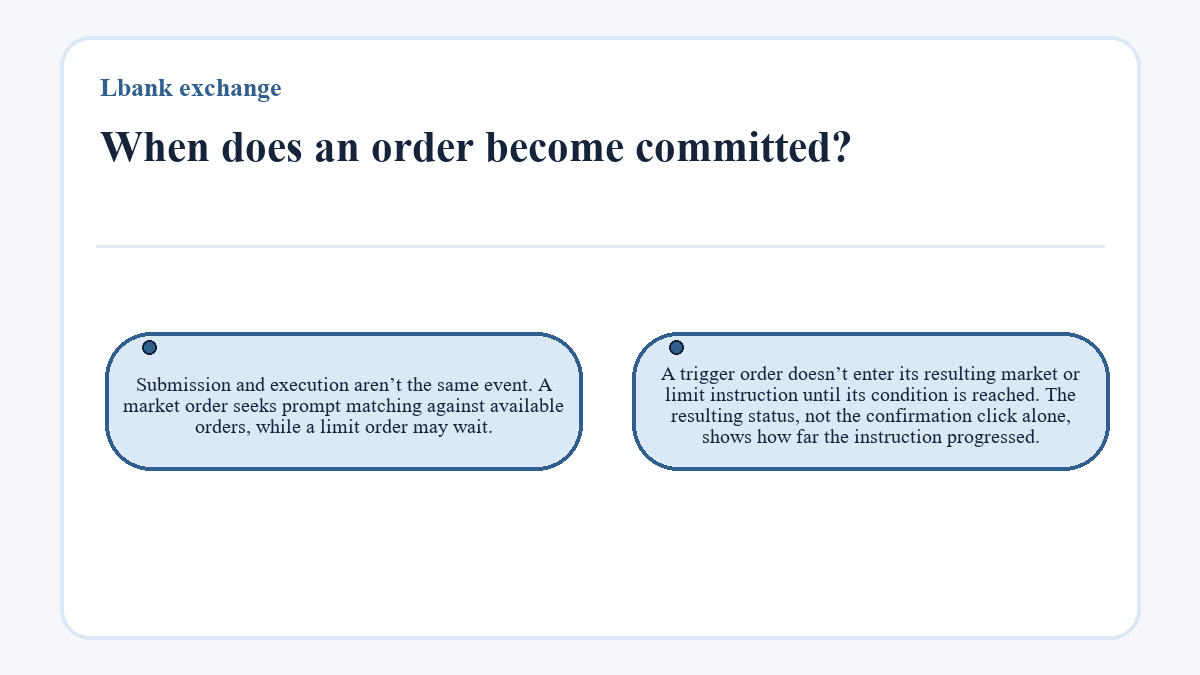
When does an order become committed?
Commitment begins when final confirmation submits the order. Before that action, cancelling the prompt returns to the editable inputs. After submission, the system can accept the instruction for matching, and a successful submission produces an order record that can be followed through its later states.
Submission and execution aren’t the same event. A market order seeks prompt matching against available orders, while a limit order may wait. A trigger order doesn’t enter its resulting market or limit instruction until its condition is reached. The resulting status, not the confirmation click alone, shows how far the instruction progressed.
Submission, matching, and visible progress
An accepted order moves through states that separate an untouched instruction from one that has traded. This distinction matters because only the outstanding quantity remains available for cancellation.
Unfilled orders
An unfilled order has been accepted but has no executed quantity. It can remain visible among open orders while its matching condition is unmet. Its reserved balance may reduce the amount available for another order even though no trade has occurred.
Partial execution
A partially filled order has already produced one or more fills that a later cancellation can’t reverse, while some requested quantity remains outstanding. Cancelling at this point addresses only that remainder. The executed quantity, its fill prices, and its fees stay in the transaction record and continue to affect the account balance.
Completed and cancelled outcomes
A completely filled order has no outstanding quantity to cancel. A cancelled order no longer waits for matching, although it may still contain earlier fills. Cancellation processing is an intermediate state, so the latest executed quantity should be checked again after the request reaches a final status.
Can a submitted order still be changed?
A submitted spot order doesn’t return to draft form for direct editing. To change the terms, cancel any eligible outstanding quantity, wait for the record to confirm the outcome, and create a new order with the revised inputs. Matching can occur before cancellation finishes, so the new amount should be based on the final executed quantity and released balance, not the amount that was open when Cancel was selected.
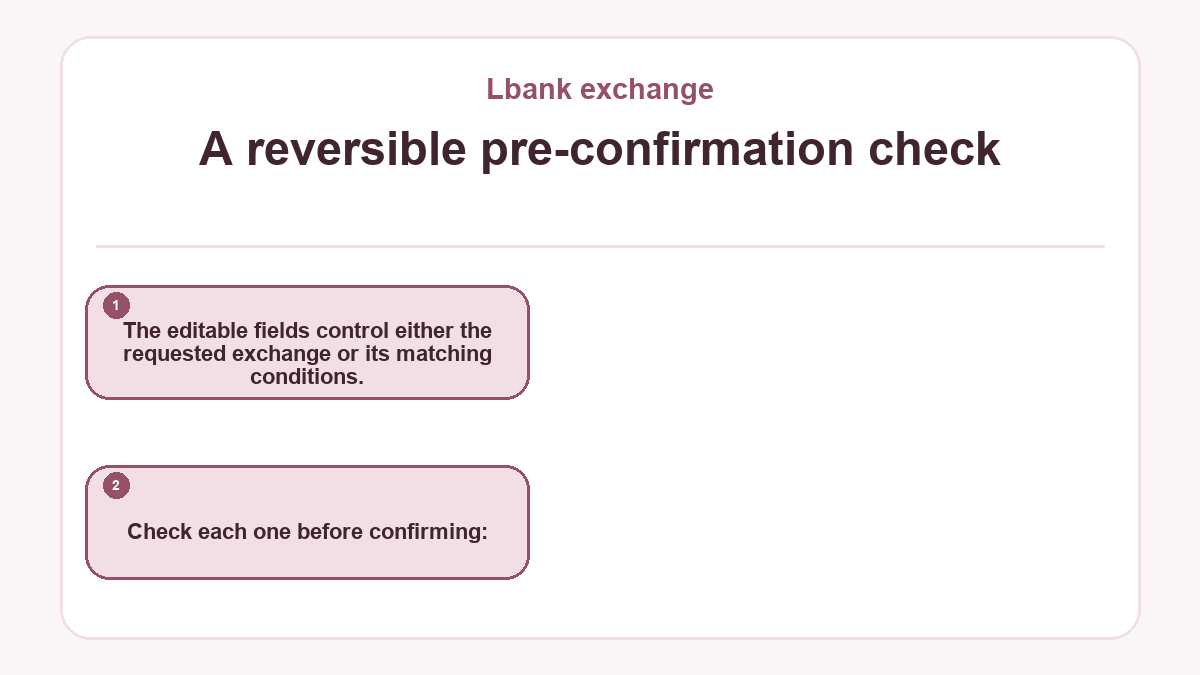
A reversible pre-confirmation check
The editable fields control either the requested exchange or its matching conditions. Check each one before confirming:
- Confirm that the selected market contains the intended input and output assets.
- Check that Buy or Sell matches the intended direction.
- Choose the order type that matches the required balance between price control and prompt execution.
- Compare the amount with the available balance and the market’s quantity rules.
- Review every limit, trigger, or linked OCO price before confirming.
If any field is wrong, cancel the confirmation and correct the draft. That preserves reversibility without relying on a later cancellation that may compete with matching. Continue only when the proposed inputs and displayed order details describe the same intended action.
Which record confirms what actually happened?
The order record is the primary evidence of acceptance, progress, and final status. Open Orders shows instructions that can still match, while order history retains concluded records for later review.
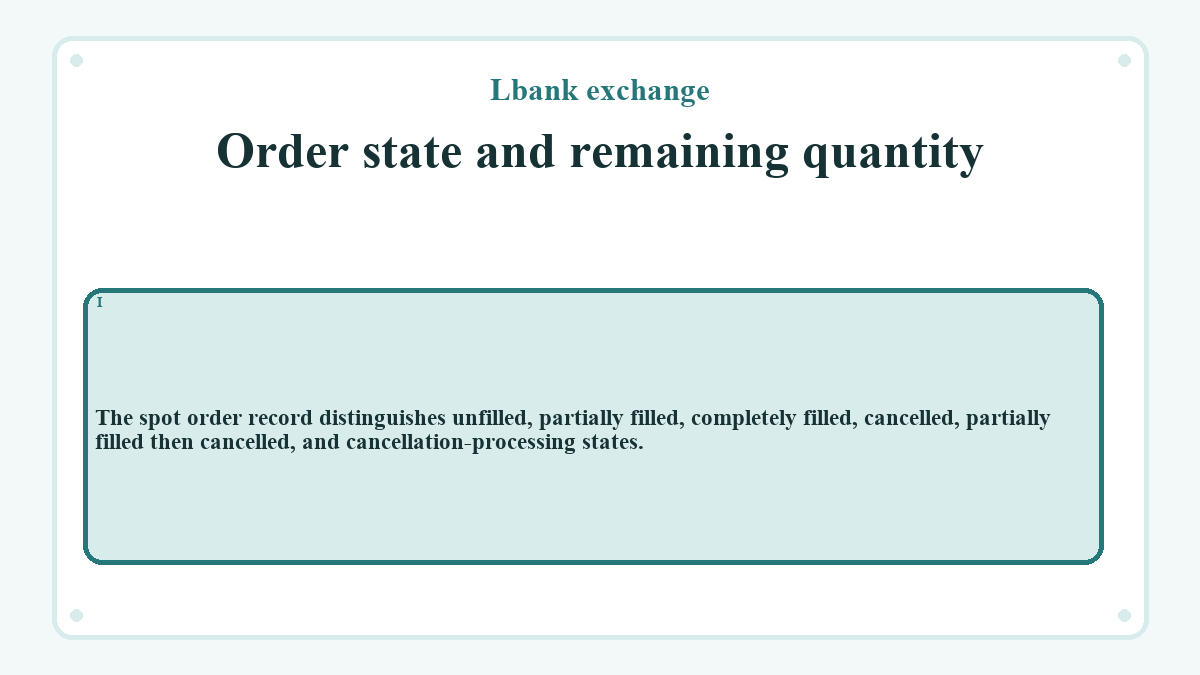
Order state and remaining quantity
The original quantity and executed quantity reveal whether anything remains open. Their difference is the outstanding portion only while the order is still active. A cancelled remainder shouldn’t be treated as tradable again until the available balance reflects its release.
The spot order record distinguishes unfilled, partially filled, completely filled, cancelled, partially filled then cancelled, and cancellation-processing states.
Fills, fees, and balances
Fill records answer a different question from the order status. They show the quantities and prices that actually matched, along with timestamps and trading fees. When one order matches in several pieces, those fills collectively describe the execution rather than the last displayed market price or the original limit alone.
The account balance helps confirm the result, but other orders or transfers can also change the available funds. Keep the order identifier when a status and balance disagree. If cancellation processing doesn’t resolve, that identifier, the last update time, and the executed quantity define the specific order that needs support review.
Order types for different commitment needs
A limit order sets a price boundary and accepts possible nonexecution. A market order seeks faster matching without fixing the final price. A trigger order waits for a stated condition before submitting another instruction. An OCO order links a limit order with a stop order, and triggering, executing, or manually cancelling one linked leg cancels the other. Independent orders don’t share that behavior.
Questions and answers about Lbank exchange
Which balance is available while a limit order remains open?
The available balance determines what can be committed to another spot order. An open limit order may reserve part of an asset, so the total balance can exceed the amount currently available. If the outstanding quantity is cancelled, its reserved amount becomes available after cancellation finishes. Any portion that already filled remains exchanged, and the related trading fees continue to affect the resulting balances.
Can the quoted price before a market order be the final execution price?
The quoted price can match the eventual result, but it isn’t fixed by a market order. Matching uses the prices and quantities available in the order book when the instruction executes. Limited depth or fast price movement can produce a different average across one or more fills. The fill record, rather than the pre-confirmation quote, supplies the executed prices and quantities.